
Ohio VINE in Mahoning County
The prosecutor's office gives the local explanation. The Mahoning County Prosecutor's Victim/Witness Unit describes Ohio VINE as a website and phone notification service running around the clock. It ties county sheriffs, prosecutors, and state correctional facilities to the public. That official backing is why VINE fits a Mahoning County arrest check.
VINE centers on one person. Type a name or inmate number, review the record, and register for whichever notices are offered. It shows whether a system reports custody. Alerts follow when the status changes. Limits still apply. VINE is no court docket, and someone arrested minutes ago may not appear yet.
A statewide partnership stands behind the Ohio service. The Attorney General counts the Buckeye State Sheriffs' Association, the Department of Rehabilitation and Correction, the Department of Youth Services, and the VINE provider as members. Coverage spans more than the county jail. An ODRC record signals state custody, while the Mahoning County Justice Center means local jail booking, so know which system holds the person.
Checking a Mahoning Arrest on VINELink
Start with the full name or inmate number. A birth date, booking number, or known facility helps separate similar names. The exact fields shift with the jurisdiction chosen.
- Open the official VINELink state selector and choose Ohio.
- Select the person or offender search offered for Ohio and enter the name or inmate number.
- Review all possible matches instead of choosing by name alone.
- Compare available identity, agency, facility, and custody information with the known arrest.
- Open the matching result and use its registration option if ongoing notice is needed.
- If there is no result, check the Justice Center’s official current and recent-booking sources before concluding that no custody event exists.
The live VINELink application may reroute after state selection, and it requires JavaScript to run. Use the official state-selection entry each time. The official VINELink page shows the state-selection start point for an Ohio search. Keep any saved result or alert PIN private.
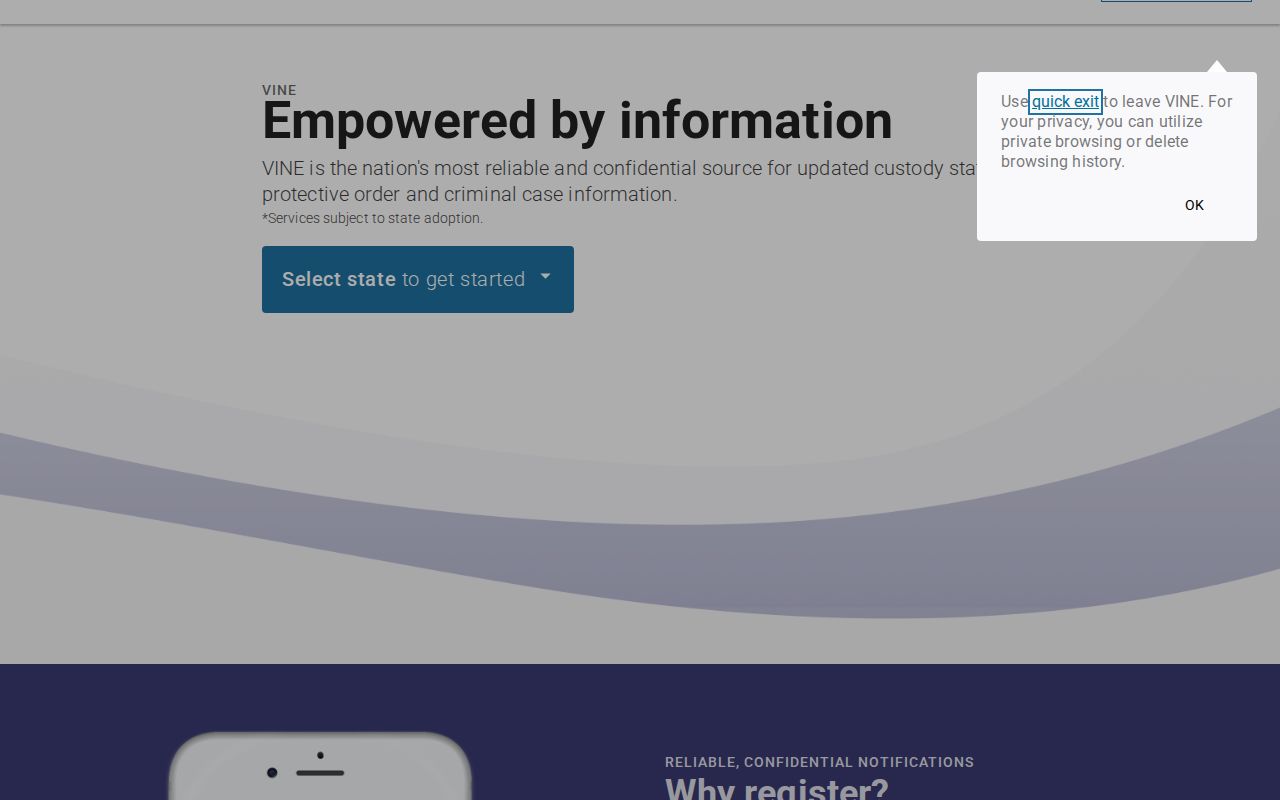
The state choice carries real weight. Custody records and alert options come from participating jurisdictions rather than one national database.
What a VINE Custody Result Means
Result fields vary by source and status. Treat what appears as notification data, and verify identifiers before acting on an alert.
| Result item | What it can tell you |
|---|---|
| Name | The identity label in the participating custody record; compare it with other identifiers. |
| Inmate or offender number | A stronger match than name alone and useful when speaking with an agency. |
| Custody status | The status most recently reported to VINE, which can lag the source system. |
| Facility or agency | The participating location or authority tied to the current record. |
| Change event | A covered release, transfer, escape, or other status event when offered. |
| Registration option | The route for subscribing to available automated notices. |
A VINE alert tells you one thing: a status changed. The system reports the change itself, nothing more. A release alert does not say why someone left custody. Bond, dismissal, or a handoff to another agency all look identical from the outside. Treat a transfer alert the same way. It signals movement, and the result text may name the destination, but the legal reason stays unstated.
Multiple matches call for a slower read. Check every identifier the result offers. Age alone can mislead. So can a familiar name. When the detail seems thin, call the facility and ask about the inmate or booking number. Registering against the wrong record brings frightening alerts about a stranger while the Mahoning custody event you care about goes untracked.
For the court side of an arrest, go to the official jail record first, then to Mahoning County eCourts when that court handles the case. Some matters belong instead to the municipal courts in Youngstown, Campbell, Struthers, or another local jurisdiction.
Registering for Ohio Custody Alerts
Registration stands apart from searching. From a matching Ohio or Mahoning result, pick the notification option and choose your contact methods and event types. Official materials list telephone, email, and text-capable destinations.
- Confirm the record belongs to the intended person before selecting registration.
- Choose release, transfer, escape-related, or other available custody-change notices.
- Enter the telephone number, email address, or text destination requested by the service.
- Create the personal identification number used to confirm automated telephone notice.
- Complete any verification prompt and retain the confirmation details privately.
- Update or cancel the registration through the current VINE instructions when the need changes.
Ohio materials warn that automated calls can repeat. The pattern runs about every half hour for up to 24 hours until a PIN is entered. Enter the PIN when prompted to confirm receipt. Phone menus change, so follow the current prompts rather than an old sequence.
Numbers matter here. The prosecutor's materials list 1-800-770-0192 as the Ohio VINE information line and cite 866-277-7477 for registration. The Attorney General brochure adds TTY service at 1-866-847-1298. Confirm each route on the official pages before an urgent moment arrives.
Notification supplements a safety plan. It never guarantees one. Phone lines fail, email gets filtered, and an agency may correct data after a notice goes out. Keep the holding agency's number close, and tell the proper victim-services contact if registration cannot be completed. The Prosecutor's Victim/Witness Unit remains the local official source for the Ohio VINE explanation.
VINE Limits After a Fresh Arrest
A brand-new Mahoning County booking rarely reaches VINE instantly. Intake takes time. Staff record identity, take fingerprints and photographs, and complete medical screening and classification before placement. Only then does custody data travel from the jail's system into the notification network. A missing result during that gap means nothing.
Start with the official recent-booking query and the active inmate list. A recent-release query helps if someone may be out. For direct custody questions, call Mahoning County Justice Center administration at 330-480-4920. For booking-record questions, call the MCSO Records Division at 330-480-5030. The county publishes no fixed update schedule.
The Sheriff's official inmate hub rounds out the county-side picture.
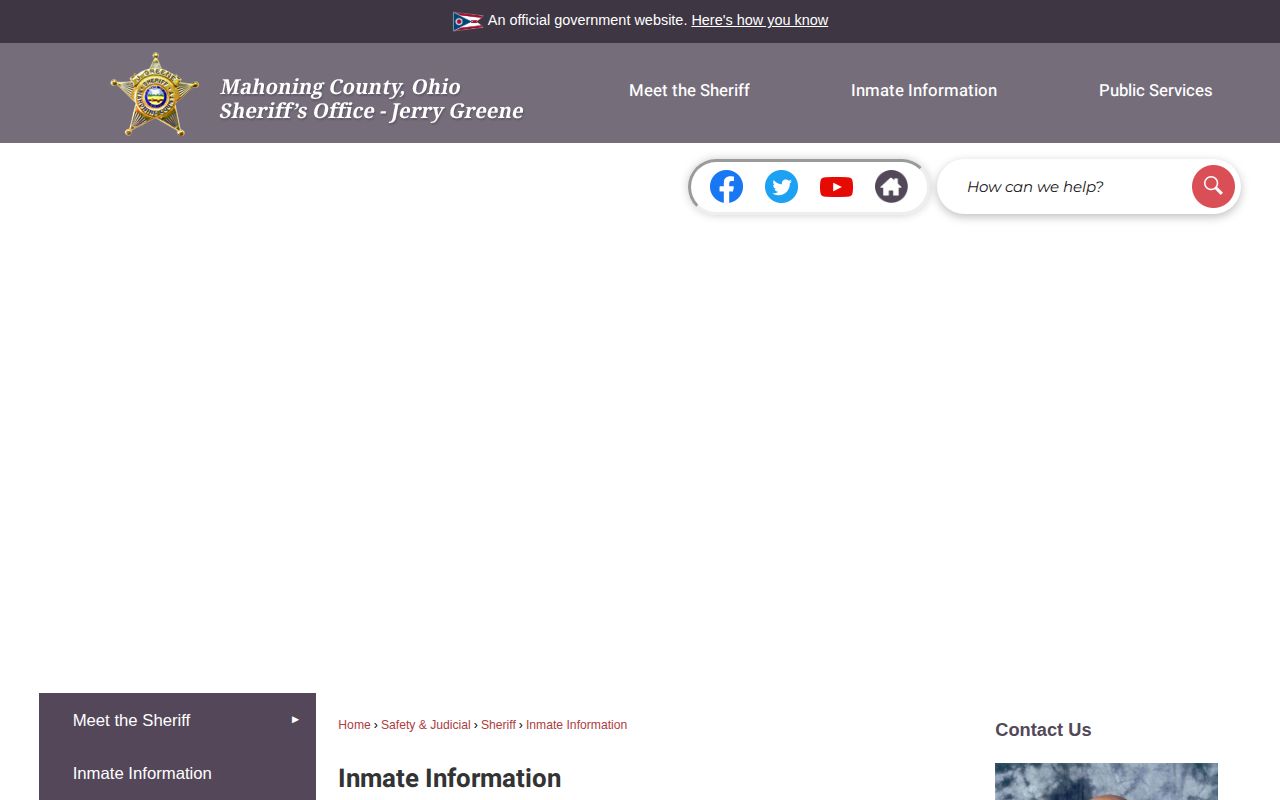
Verify intake and release through the live county links first.
County, State, and Federal Boundaries
Ohio state custody is different territory. A person serving a state sentence appears in the ODRC Offender Search, not in a list of yesterday's Justice Center bookings. VINE can link county and state systems for alerts. It cannot merge them into one legal record.
Federal custody sits outside VINE too. Sentenced federal inmates belong in the BOP inmate locator. ICE detainees are searchable through the Online Detainee Locator. The Marshals Service runs no public pretrial roster. A federal agency label in the Mahoning portal may just mean the county jail holds that person for the agency.
City arrests add another wrinkle. Youngstown, Struthers, or Campbell police can issue a citation or keep a record locally without any county booking. In that case, ask the department or its court directly. The portal and VINE track custody, not every arrest inside county lines.
Custody Notice Is Not Guilt
A VINE alert answers one question. It tells you who is in custody and where. Custody is not a case result. For how a charge stands, check the court docket before repeating details.
The real value is timing. Release or transfer can matter long before a case ends. An alert can reach you fast.
Keep a short log of each check. Note the name, the identifier used, the facility, and the time. If an alert and the jail portal disagree, call the holding agency. Ask which status stands. Never treat one system's silence as canceling another's notice, because data moves on different schedules.
Corrections start at the source. For a disputed Mahoning booking record, contact the MCSO Records Division or the agency that filed the original report. VINELink cannot rewrite a charge, a court result, or an identity field on its own. A fix may take time to reach a downstream notification service. Save the official response.